GoldfinchBible study & prayer · iPhone · in beta
Begin where
you are.
A quiet place to read Scripture, pray, and come back to the verses that are shaping you.
Free, through Apple’s TestFlight app.
- 5
- free translations in the reader
- 10
- minutes a day, by design
- 0
- streaks, scores or percentages
Success here isn’t screen time or streaks. It’s what you do after you close the app: the prayer prayed, the forgiveness extended, the friend encouraged.
The bird & the thorn.

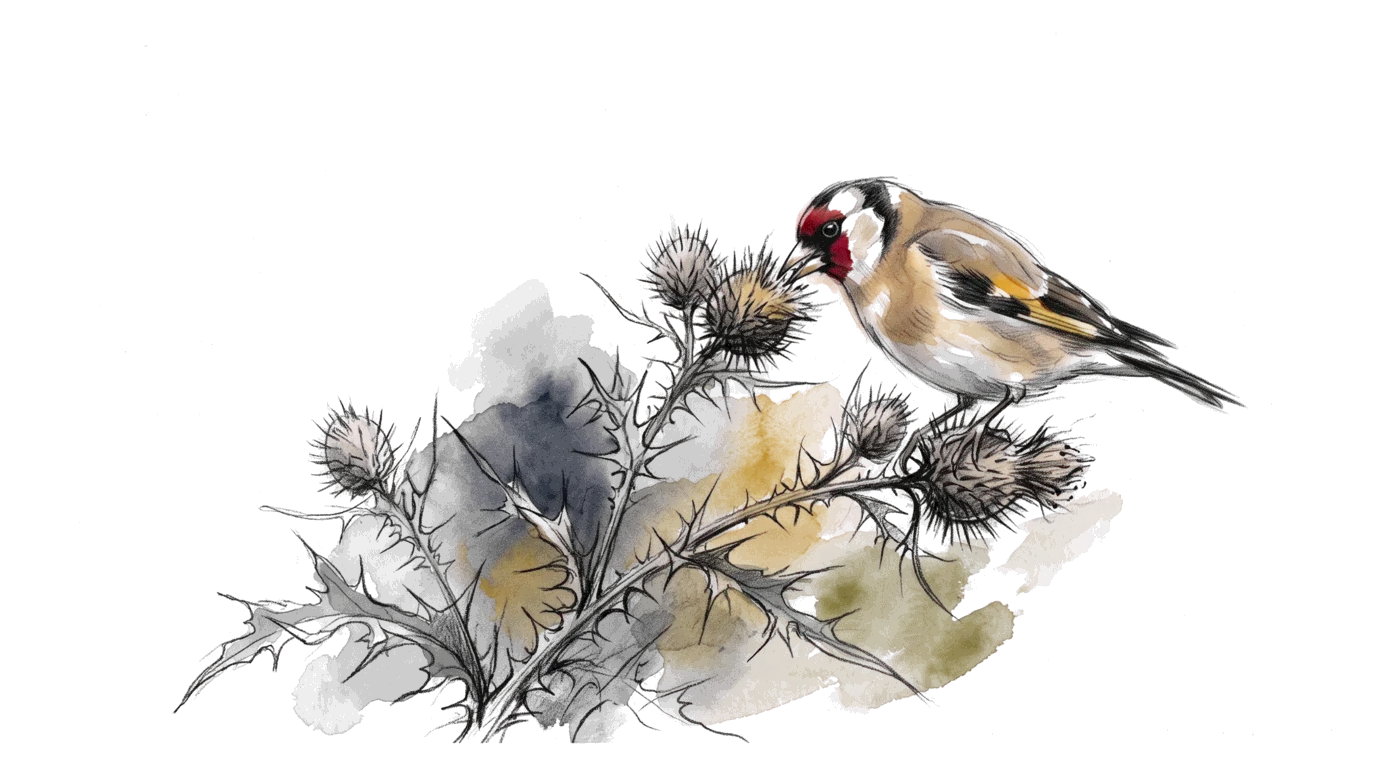
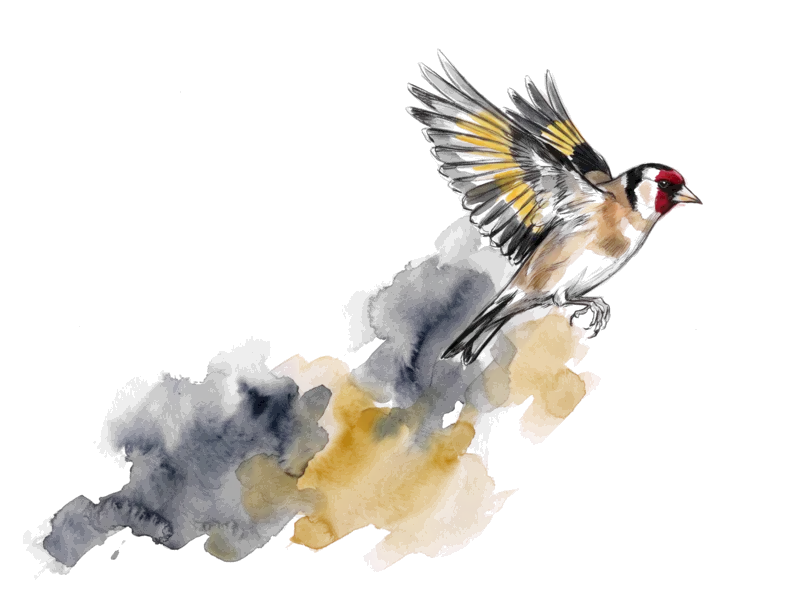
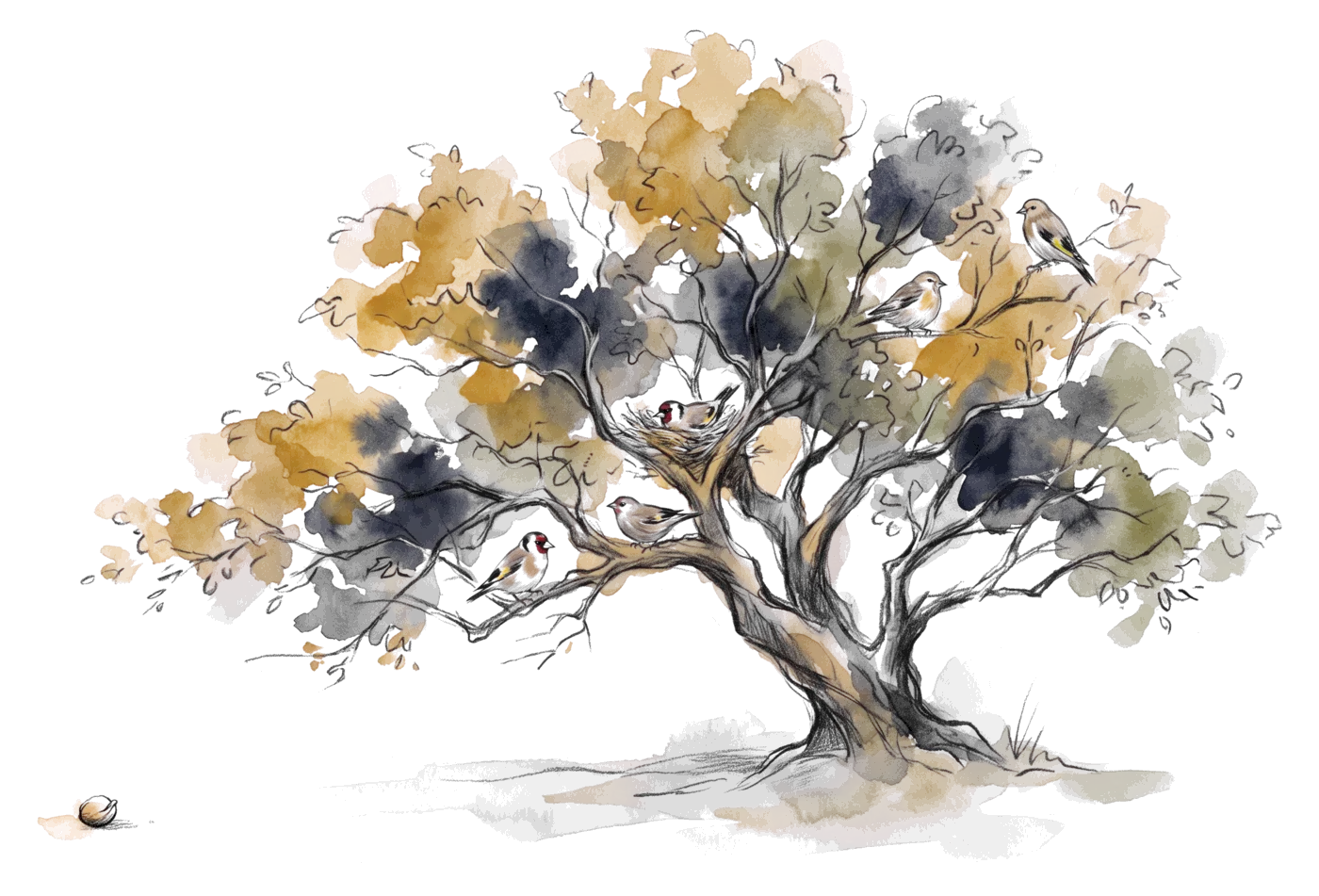
Goldfinch is named for a real bird, the one old painters placed in the hand of the infant Christ. Legend says it tried to pull a thorn from his crown, and was marked by his blood. It lives among thorns and thistles. It doesn’t avoid what is hard. Getting that close is the invitation.
A young goldfinch has no red on its face. It leaves the nest with gold already on its wings, and the red comes in with its first moult.
Record the sermon. Keep a note you can actually read.
Tap Record, or import a recording afterward. Every Scripture reference is checked against the real verse.
As it was said
Your note
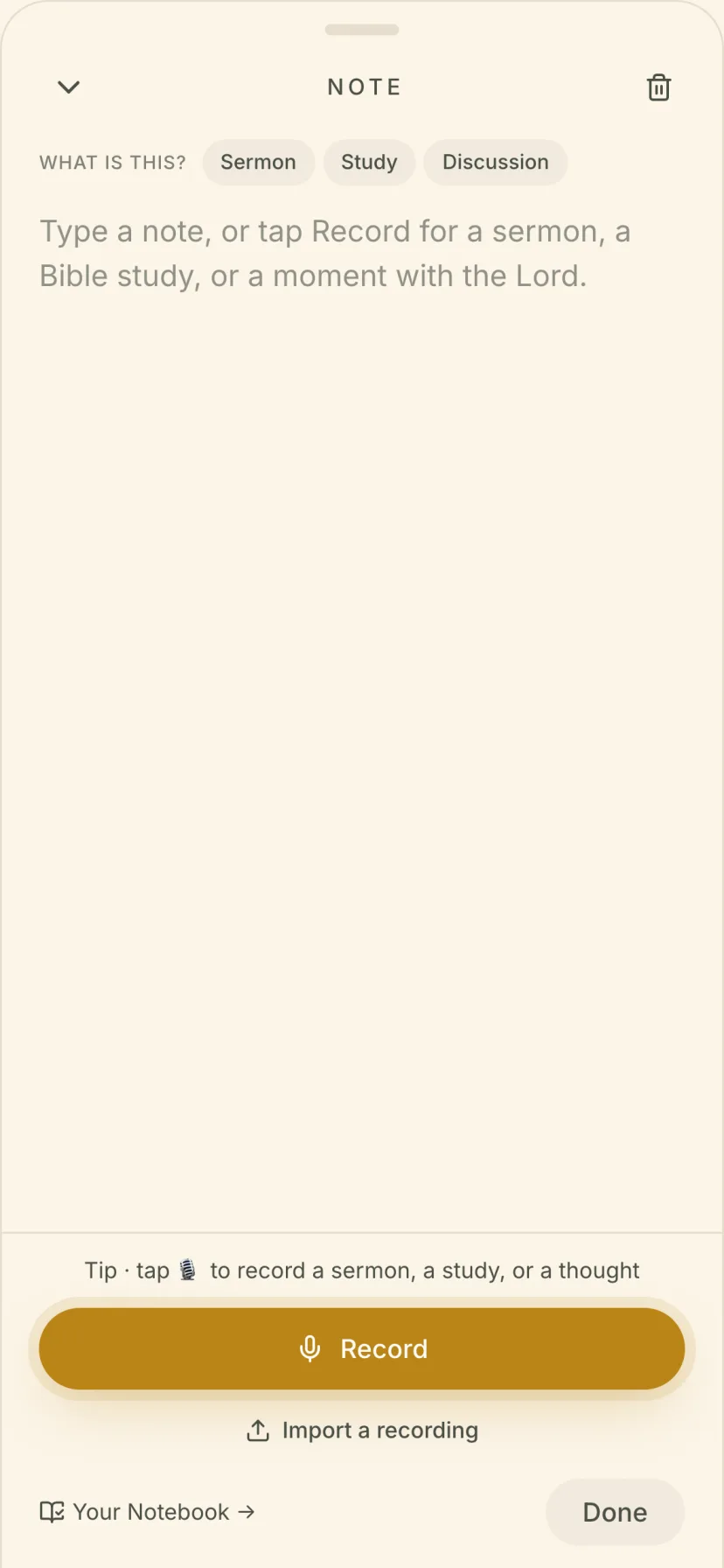
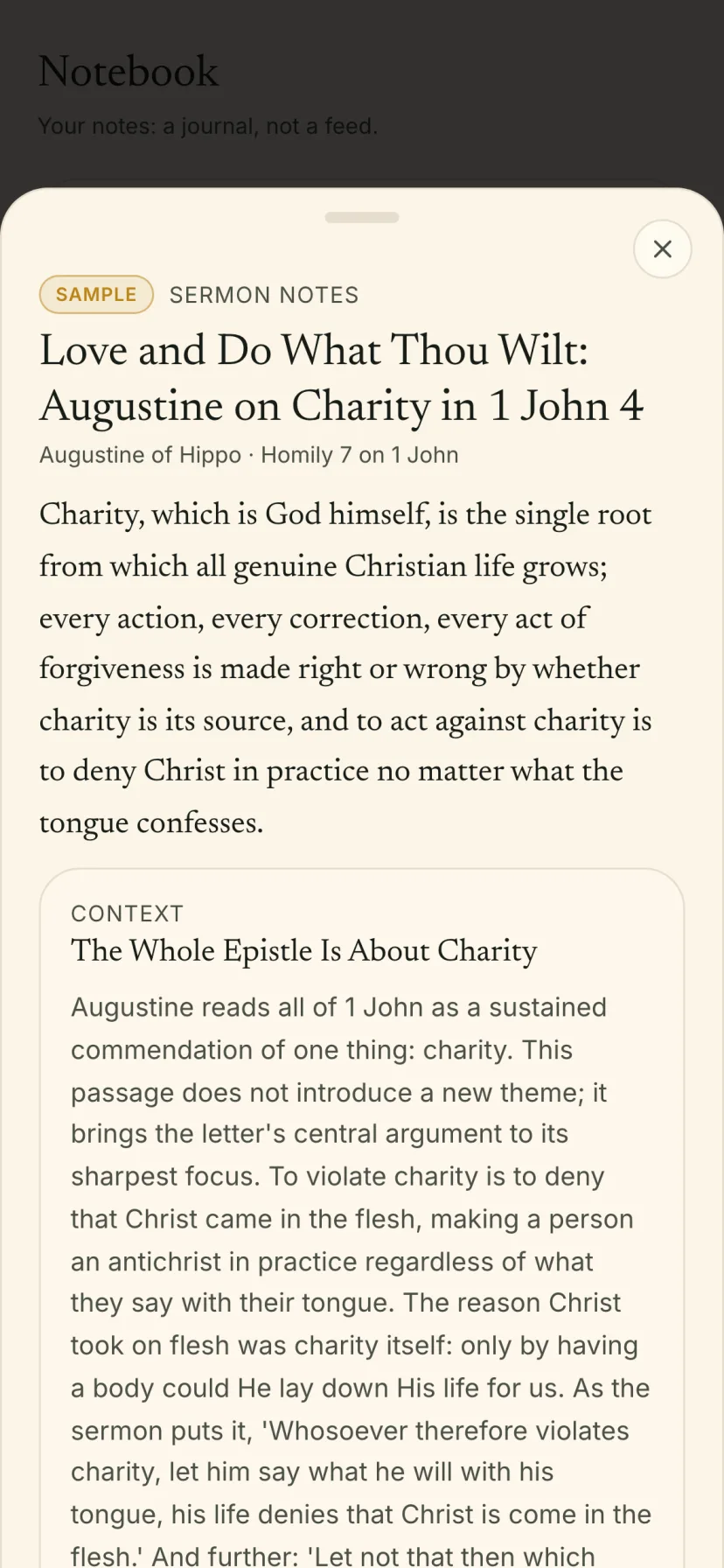
In the appA new note, then the finished note. Every new Notebook starts with this one: Augustine on 1 John 4.
Read it, learn it, pray it.
The bird A goldfinch works one thistle head at a time, pulling out the seeds one by one.
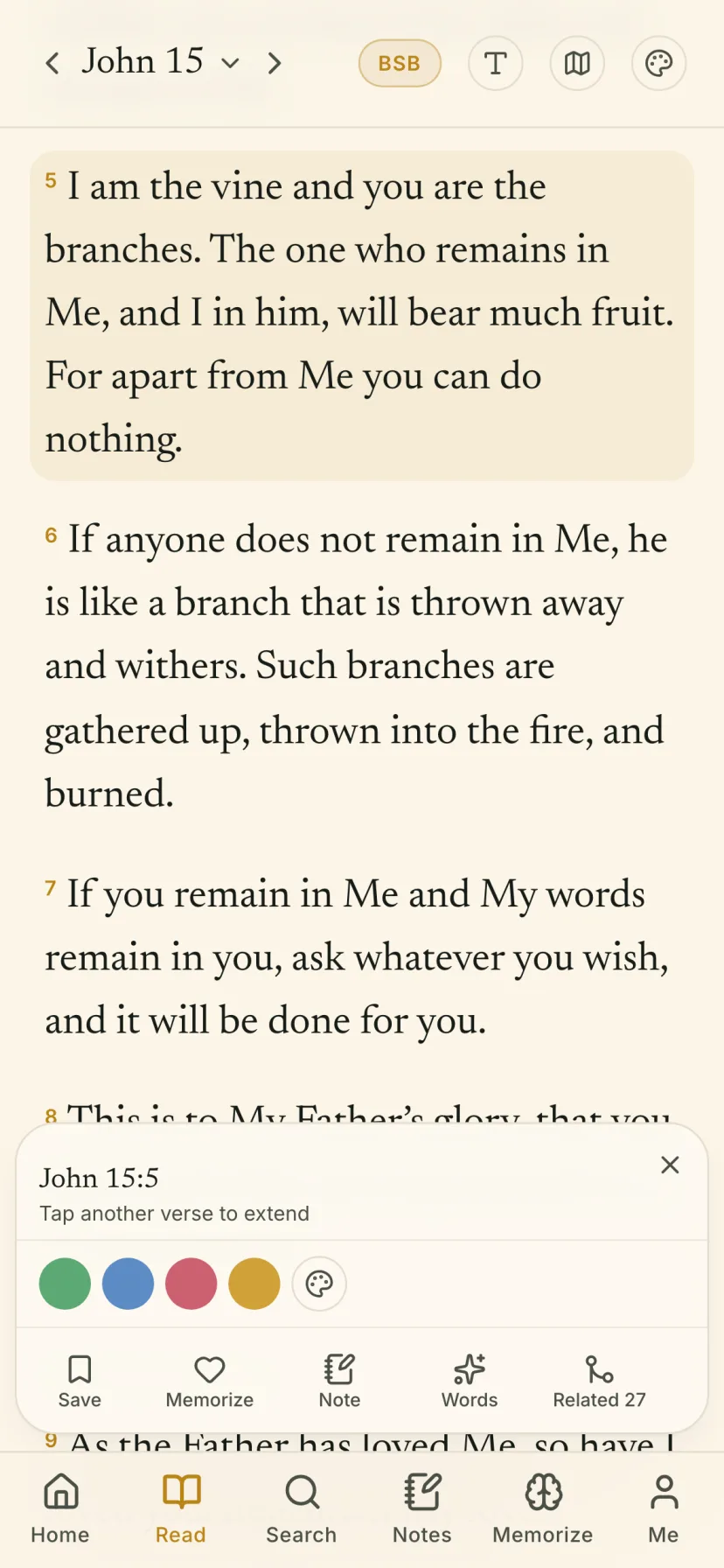
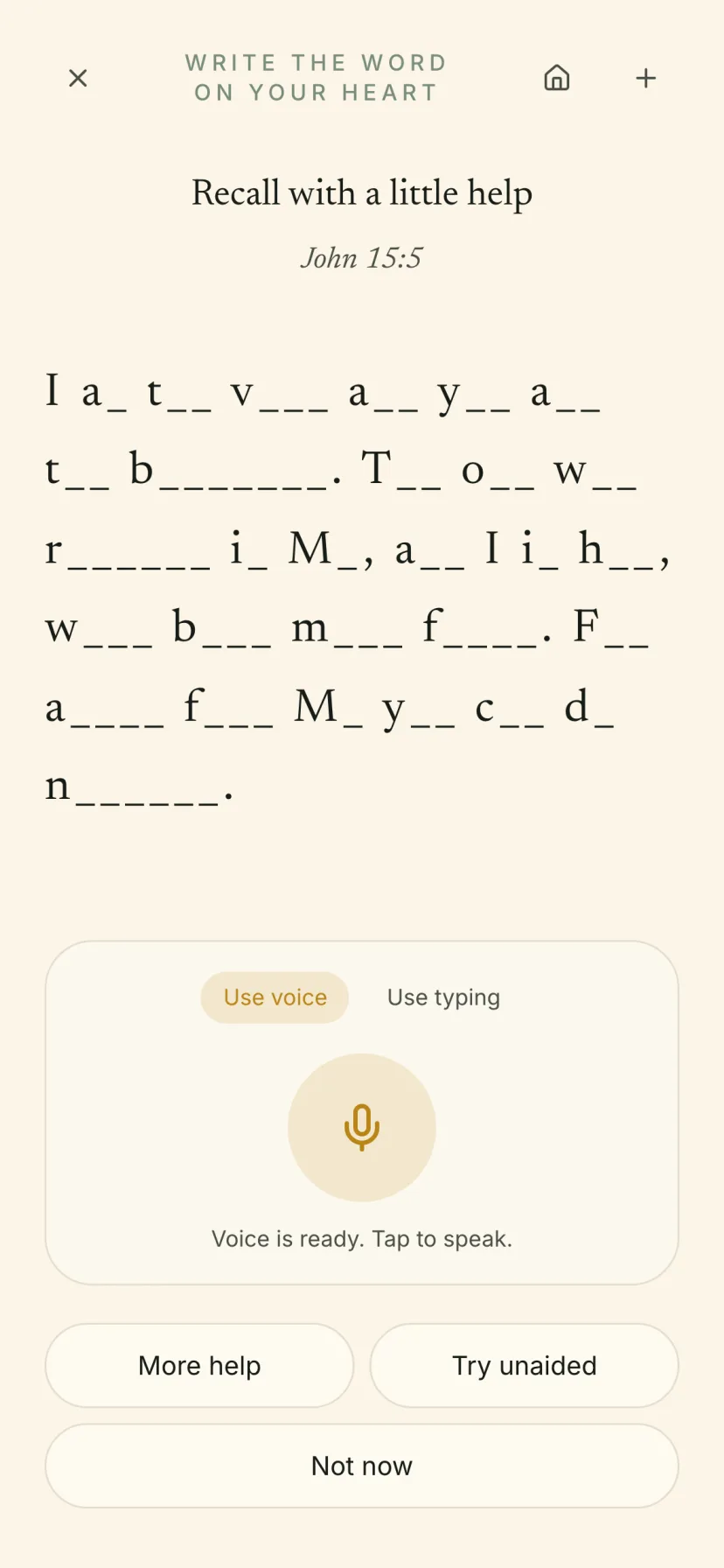
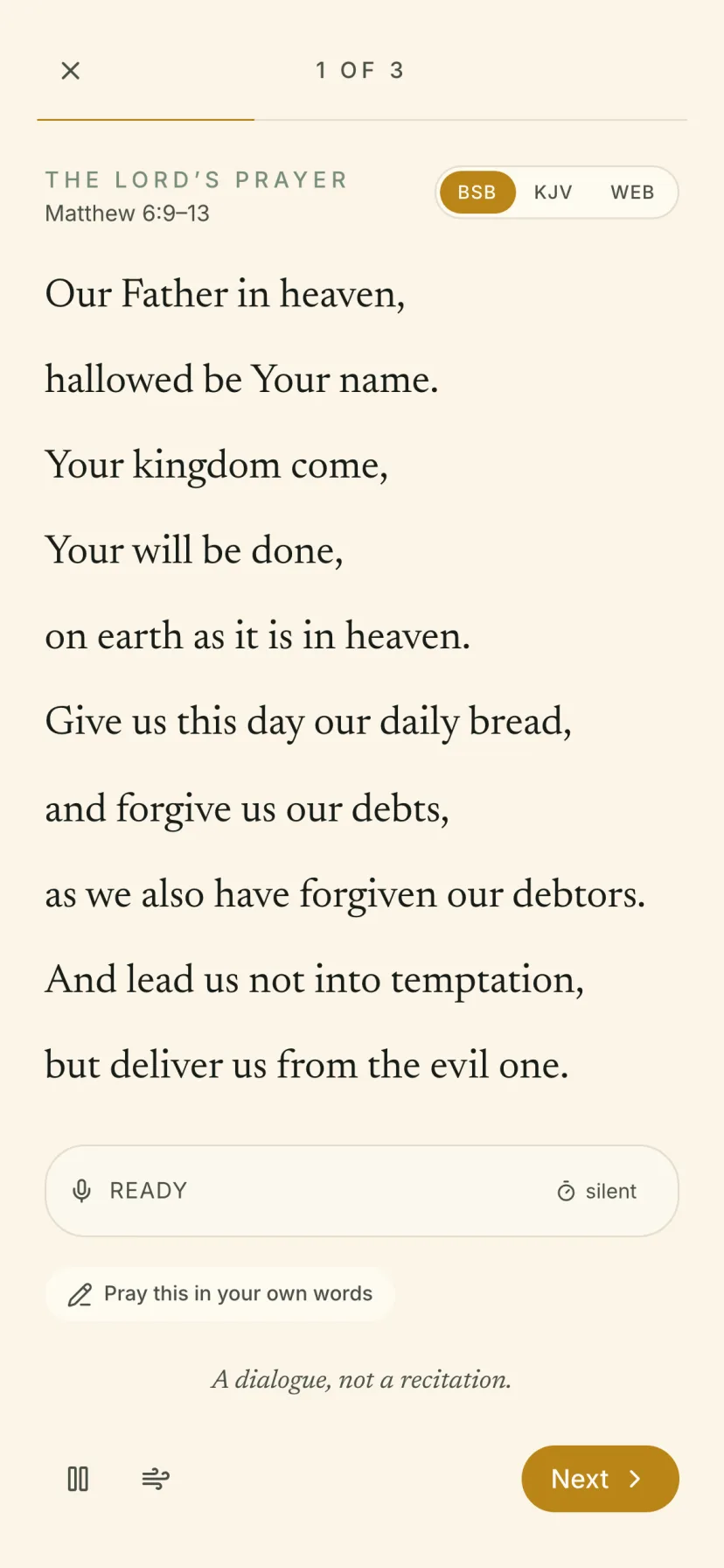
The verses you save come back to find you.
Save a verse and it comes back to you on a later day. The ones you chose, not a random verse of the day.

I am the vine and you are the branches. The one who remains in Me, and I in him, will bear much fruit.
I am the vine and you are the branches. The one who remains in Me, and I in him, will bear much fruit.
I am the vine and you are the branches. The one who remains in Me, and I in him, will bear much fruit.
Berean Standard Bible.
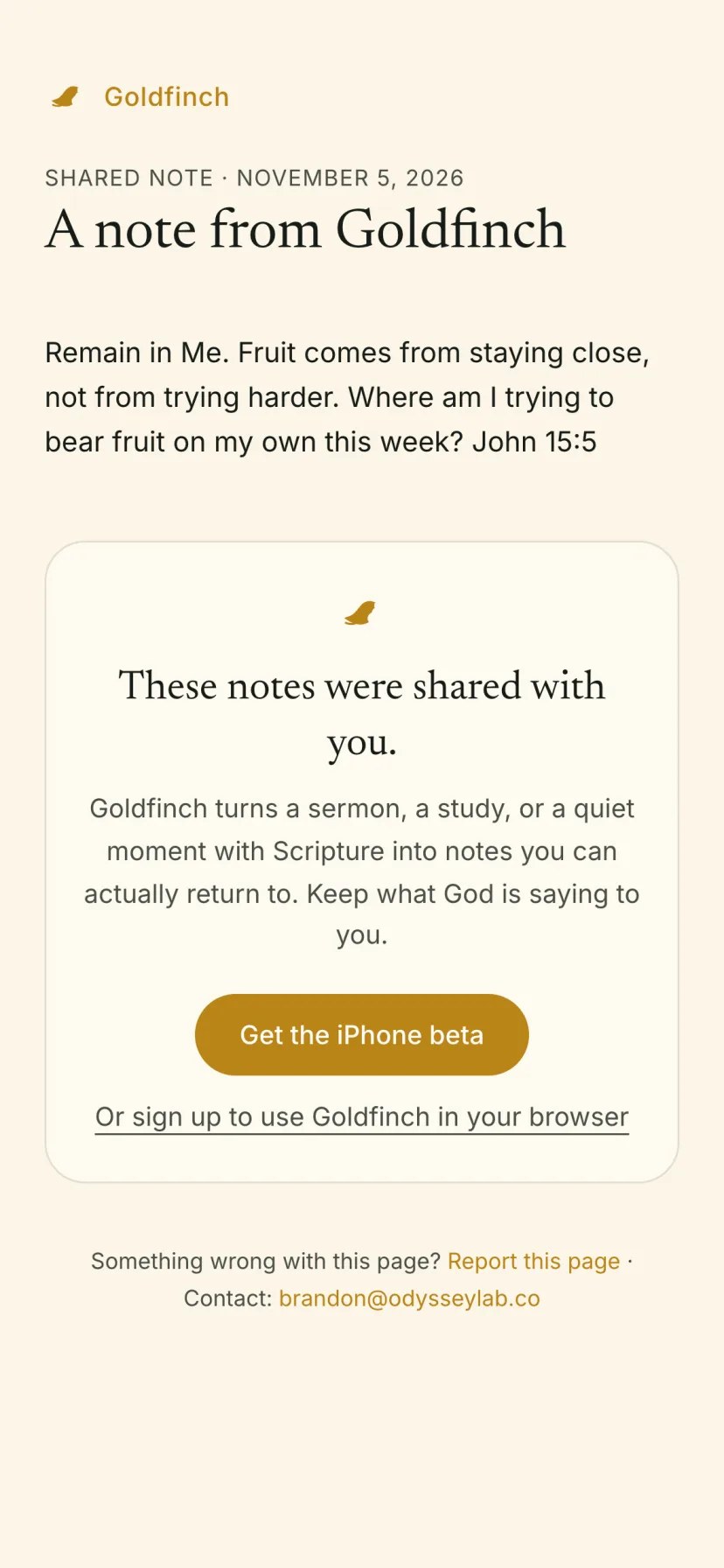
Share a note with a link anyone can open.
They read it in any browser. No app needed.
A gym for the soul, not a library to browse.
Not a feed to scroll. A place to slow down.
How to tell Goldfinch from the things it gets mistaken for.
A feed
Often confused with- Endless by design.
- Measures time on screen.
- There’s always one more.
A streak counter
Often confused with- Counts days in a row.
- Turns a missed morning into a loss.
- Rewards opening the app.
A library to browse
Often confused with- Everything, all at once.
- Easy to visit, hard to stay.
- You leave with nothing in hand.
Goldfinch
What it actually is- About ten minutes, then you’re done.
- No streaks, scores or percentages.
- Success is what you do after you leave.
Your prayers aren’t a product.
Your notes and prayers stay in your own account. We don’t sell your data or use it for ads.
Read the privacy policyStill coming in. Shown as it is.
Goldfinch is young. Some of its feathers are only partly in, and we’d rather show you that than pretend otherwise.
Original-language word study
The Hebrew and Greek beneath the English.
Partly builtVoice search on iPhone
Find a verse by saying it.
Partly builtPremium translations
More translations beyond the five free ones.
Partly builtThe practice is forming.
Goldfinch is in beta on iPhone and iPad. Come early and help shape it.
- On your iPhone or iPad, tap Get the iPhone beta.
- If TestFlight isn’t installed, get it from the App Store, then tap the invite again.
- Tap Accept, then Install.
Not on iPhone? Sign up to use Goldfinch in your browser.
Before you join
Which translations are free?
Berean Standard Bible, King James Version, World English Bible, American Standard Version and the Bible in Basic English.
Is it for my tradition?
It’s made for Christians in any tradition who read the Bible and want that reading to become practice.
Where do my notes and recordings go?
Into your own account. Turning speech into text runs through our backend and service providers under contract, never advertisers. You can export or delete everything.
How do I tell you what I think?
Tap Feedback in the app, or write to brandon@odysseylab.co.